Viking IPTV: How to Watch Premier League, World Cup & Sports in 4K
September 4, 2026 · 8 min read
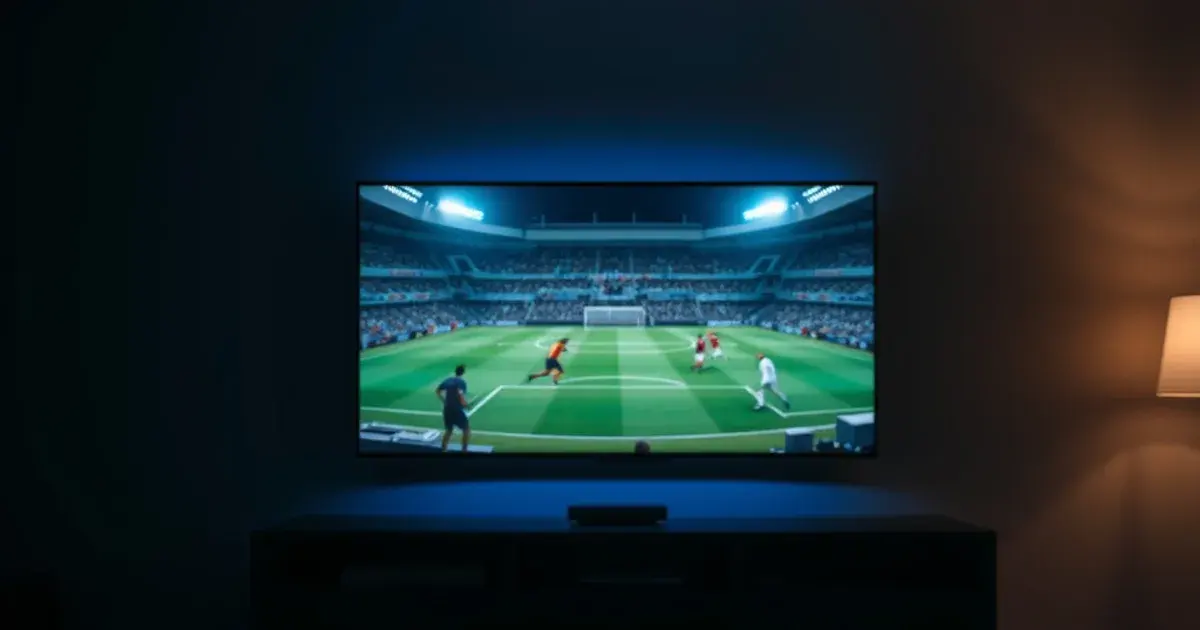
If you searched "Viking IPTV how to watch" and landed here, let's clear something up first: you're probably not looking for Viking.TV's public-media documentaries, the NFL's Minnesota Vikings broadcast schedule, or the History Channel's Vikings drama on a streaming platform. If you meant our service, Viking IPTV, this is the actual setup guide — how to get it running on your device, what you can watch, and how to fix it when something goes wrong.
The timing matters. Premier League 2026-27 is already in full swing, Nordic leagues like Eliteserien, Allsvenskan and the Danish Superliga are mid-season, and World Cup 2026 — the first 48-team edition, co-hosted across the United States, Canada and Mexico next June — is close enough that serious fans are already thinking about how they'll watch every match without missing a kickoff. None of that requires cable, a regional blackout headache, or five different apps.
This guide covers everything in one place: what Viking IPTV actually is, how to set it up on whatever device you already own, what's realistic to expect from 4K streaming, and the fixes for the two complaints that show up in every support inbox — "it won't load" and "why is it buffering."
What Is Viking IPTV? (And What It Isn't)
Viking IPTV is an IPTV subscription service — it delivers live TV and sports channels over the internet instead of through a satellite dish or a cable box. That's the whole model: you get an app or a playlist, you sign in, you watch. No engineer visit, no dish on the roof, no 24-month contract.
It is not Viking.TV, the older public-media outlet known for its documentary programming. It is not affiliated with the NFL's Minnesota Vikings or any of their broadcast rights. And it has nothing to do with the historical drama Vikings that shows up on general streaming platforms. Search engines currently conflate all four under the same name, which is exactly why this page exists — if you came here for an IPTV subscription, you're in the right place.
The practical upside of IPTV over traditional TV is flexibility: one login works across a Firestick, a Smart TV, a phone, and a laptop, and you're not locked into a single provider's hardware. The tradeoff is that quality depends more on your internet connection and how the app is configured than it does with a dedicated satellite feed — which is why the setup and troubleshooting sections below matter as much as the channel list.
Not sure which device setup fits you? Ask a real person before you install anything.
1-Minute Setup: Pick Your Device
You don't need to set up every device at once — pick the one you'll actually watch on most, get that working, and add the others later. The core steps are the same everywhere: install a compatible player app, enter the credentials or playlist URL you're given, and let the channel list load.
Firestick / Fire TV: install an IPTV player app from the Amazon Appstore (or sideload one if you prefer), then enter your Xtream Codes login or M3U URL when prompted. This is the most common setup among our subscribers because it turns any TV with an HDMI port into a smart TV.
Smart TV (Samsung, LG, Android TV): most modern Smart TVs can run a player app directly, no extra box needed. If your TV's app store doesn't have a compatible player, a cheap streaming stick solves that instantly.
iPhone / Android / PC: dedicated IPTV player apps exist for both mobile platforms and desktop, useful for watching on the go or as a backup when the living-room screen is busy. If you're unsure which app format fits your setup, our comparison of Xtream Codes vs. M3U on Firestick breaks down the practical differences and which one to choose.
What You Can Watch: Premier League, World Cup 2026 & Nordic Leagues
Football is the reason most people come to IPTV in the first place, and 2026 is a stacked year for it. The Premier League 2026-27 season is underway now, with the usual title race, European qualification battles, and relegation fight running through to next May. Our dedicated Premier League IPTV setup guide covers device-specific tips for following a full season without gaps.
World Cup 2026 runs from June to July next year across the United States, Canada and Mexico — the first tournament with 48 teams, meaning more matches, more host cities, and more scheduling complexity than any World Cup before it. Planning your setup now, before the tournament rush, means no last-minute troubleshooting when the opening match kicks off. See our World Cup 2026 IPTV setup guide for a full breakdown of what to prepare.
Beyond the two biggest tournaments, Nordic football has its own dedicated following: Norway's Eliteserien and Sweden's Allsvenskan both run spring-to-autumn seasons that are live right now, while Denmark's Superliga follows a summer-start calendar. If sports in general — not just football — are the priority, our guide to the best IPTV for sports in 2026 compares reliability across leagues and competitions worth checking before you commit.
4K Streaming Quality: Bandwidth, Bitrate & Device Requirements
4K IPTV is genuinely good when the conditions are right, and disappointing when they're not — and the conditions come down to three things: your internet speed, your device's decoding capability, and how the stream itself is encoded.
Bandwidth is the first bottleneck. A stable connection with meaningful headroom above the stream's bitrate matters more than the number on your plan's marketing page — a connection that's technically "fast enough" on paper can still stutter if it's shared with other heavy usage (video calls, downloads, other households) during the exact minutes you're watching.
Bitrate is the second factor, and it's why two streams both labeled "4K" can look noticeably different. A higher, more consistent bitrate holds detail during fast motion — a sprint down the wing, a fast break — while a lower one can turn crisp footage into a blurry mess exactly when the action gets interesting.
Device decoding is the third piece: older streaming sticks and budget Smart TV chipsets can struggle to decode 4K HEVC streams smoothly, producing stutter that has nothing to do with your internet at all. If you're shopping for new hardware specifically for sports streaming, prioritize a device with modern hardware decoding over one with a bigger screen resolution number and a weak processor behind it.
Troubleshooting: "My Stream Won't Load" & "Why Is It Buffering?"
"My stream won't load" is almost always one of three things: a typo in the login credentials or playlist URL, an app that needs updating, or a router that needs a restart. Start with the simplest fix — restart the app, then the device, then the router, in that order — before assuming anything is wrong with the service itself.
"Why is it buffering" during a live match is usually a bandwidth or network-congestion issue rather than a service problem, especially during high-traffic windows like a World Cup opener or a Premier League derby when everyone's connection is under more load than usual. Switching from Wi-Fi to a wired ethernet connection, or closing other bandwidth-heavy apps on the same network, resolves the majority of buffering complaints.
If a fix doesn't stick, it's worth checking whether the issue is device-specific — try the same stream on a phone or another screen. If it works fine there, the problem is isolated to one device's app or hardware, not your connection or the subscription itself. Persistent issues after these steps are the point where reaching out for direct support makes more sense than continuing to troubleshoot alone.
Ready to watch Premier League, Nordic football and World Cup 2026 without the guesswork — see the plans and start today.
Why Viking IPTV Instead of Another Provider
The IPTV market is crowded, and most comparisons boil down to the same handful of factors: reliability during high-demand events, how easy setup actually is versus what's advertised, and whether support responds when something breaks mid-match. Those are the criteria worth applying to any provider you're evaluating, including us.
If you're comparing us directly against another well-known option, our head-to-head breakdown of Viking IPTV vs. Monster IPTV goes through setup, device compatibility and streaming performance side by side rather than asking you to take either brand's word for it.
Frequently asked questions
Is Viking IPTV the same as Viking.TV?
No. Viking.TV is a separate, unrelated public-media outlet known for documentary programming. Viking IPTV is an IPTV subscription service for live TV and sports streaming — a different company entirely.
Is this connected to the NFL's Minnesota Vikings?
No connection at all. Viking IPTV is a streaming service name, not a sports team or league broadcaster.
What devices does Viking IPTV work on?
Firestick and Fire TV, Smart TVs (Samsung, LG, Android TV), iPhone, Android, and PC. Setup takes a login or playlist URL entered into a compatible player app — see the setup section above for device-specific steps.
Can I watch World Cup 2026 matches in 4K?
Yes, provided your connection and device meet the requirements covered in the 4K quality section — a stable connection with headroom above the stream's bitrate, and a device capable of smooth 4K decoding. We recommend testing your setup well before the tournament starts rather than during the opening match.
Why does my stream buffer during big matches specifically?
High-demand windows like Premier League derbies or major tournament matches put extra load on everyone's network at once. Switching to a wired ethernet connection and closing other bandwidth-heavy apps resolves most buffering during these peak moments.
Do I need technical skills to set this up?
No. Setup is entering a login or URL into a player app — the same level of effort as logging into any streaming app. The setup section above walks through each device type in under a minute.
Read next: the pricing page or the FAQ.